9 posts tagged “datasette-apps”
Use Datasette Apps to build HTML+JavaScript apps that live inside Datasette.
2026
Changes that improve Datasette Apps when created and edited using Datasette Agent:
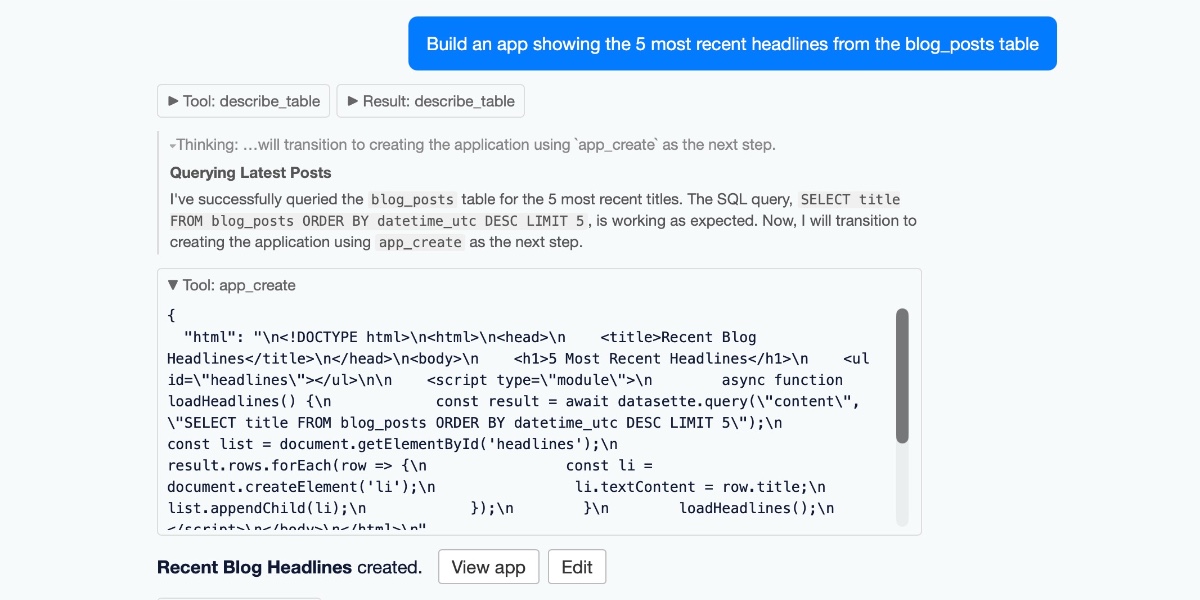
The app_debug() tool is pretty neat: it works by displaying the app in a opacity: 0 iframe with pointer-events: none (so it can't be seen or interacted with) and then executing agent-provided JavaScript inside that sandboxed iframe. This means the agent can smoke test that the app is working and even do things like measure the dimensions of different elements.
This uses the new context.browser_task() mechanism added in datasette-agent 0.4a0.
DOOMQL (via) Peter Gostev built this using GPT-5.6 Sol. This is a lot of fun:
DOOMQL started with a deliberately unreasonable question: what if SQLite were the game engine, not merely the place where a game stores data?
The result is a small, original Doom-like game in which SQL owns movement, collision, enemies, combat, progression and every RGB pixel on screen.
It's implemented as a Python terminal script - I tried it out like this:
cd /tmp
git clone https://github.com/petergpt/doomql
cd doomql
uv run host/doomql.py
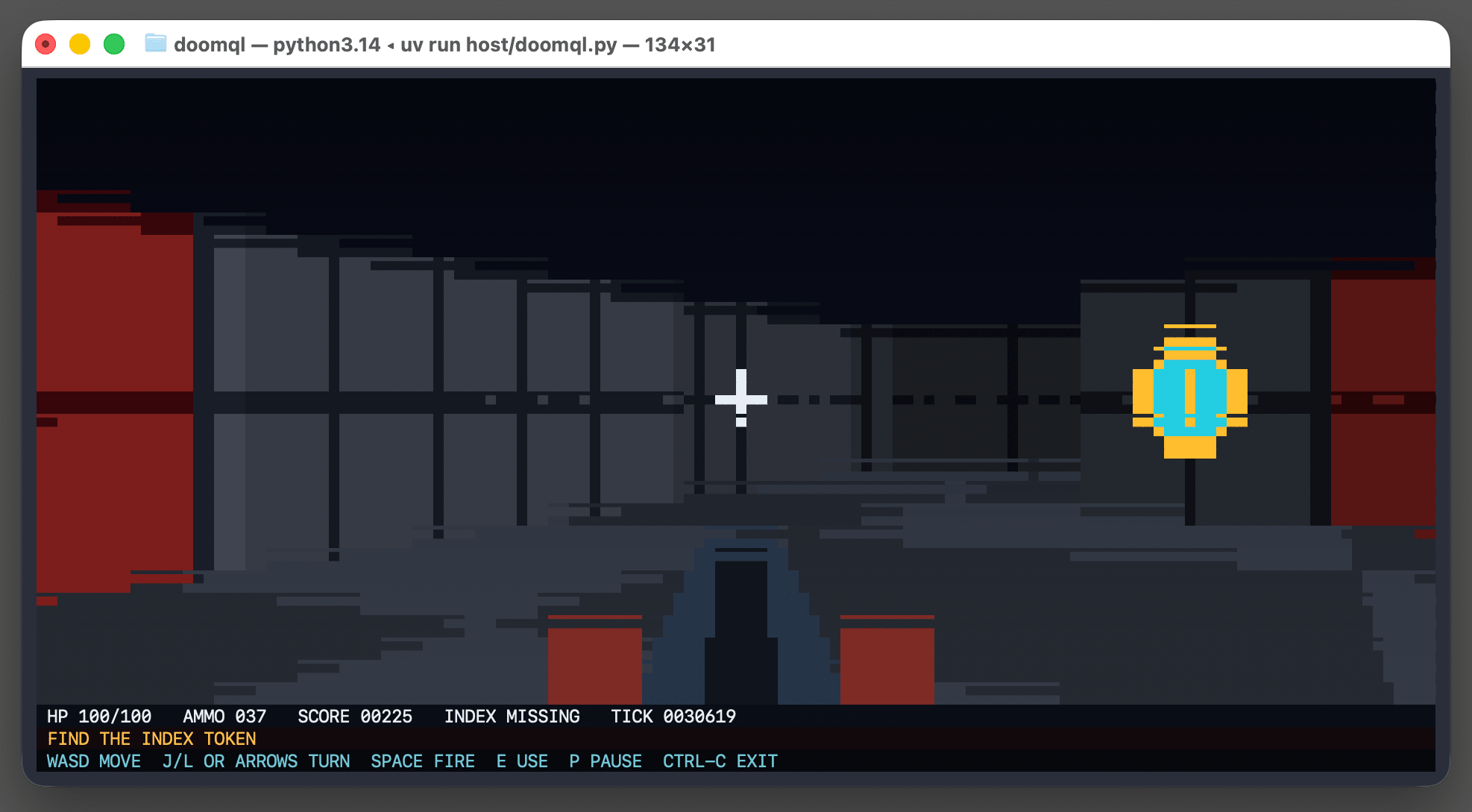
Here's the huge SQL query that implements a full ray tracer in SQLite using a recursive CTE.
Running the above script creates a /tmp/doomql/.doomql/doomql.sqlite SQLite database, which you can explore using Datasette like this:
uvx --prerelease=allow  --with datasette-apps datasette \
  /tmp/doomql/.doomql/doomql.sqlite \
  -p 4444 --root --secret 1 --internal internal.db
The --with datasette-apps option installs the new Datasette Apps plugin, which supports creating custom HTML+JavaScript apps that can run SQL queries directly within the Datasette interface.
I created a new app, pasted the copy-paste prompt into Claude chat (Fable 5) and told it:
Build an app that displays the current state of the screen using the frame_pixels view with its x, y, r, g, b columns. have it refresh once a second.
This got me a working HTML+JavaScript app inside Datasette that could reflect the current state while I played the game in my terminal. Then I added:
add a minimap
And now my Datasette App looks like this:
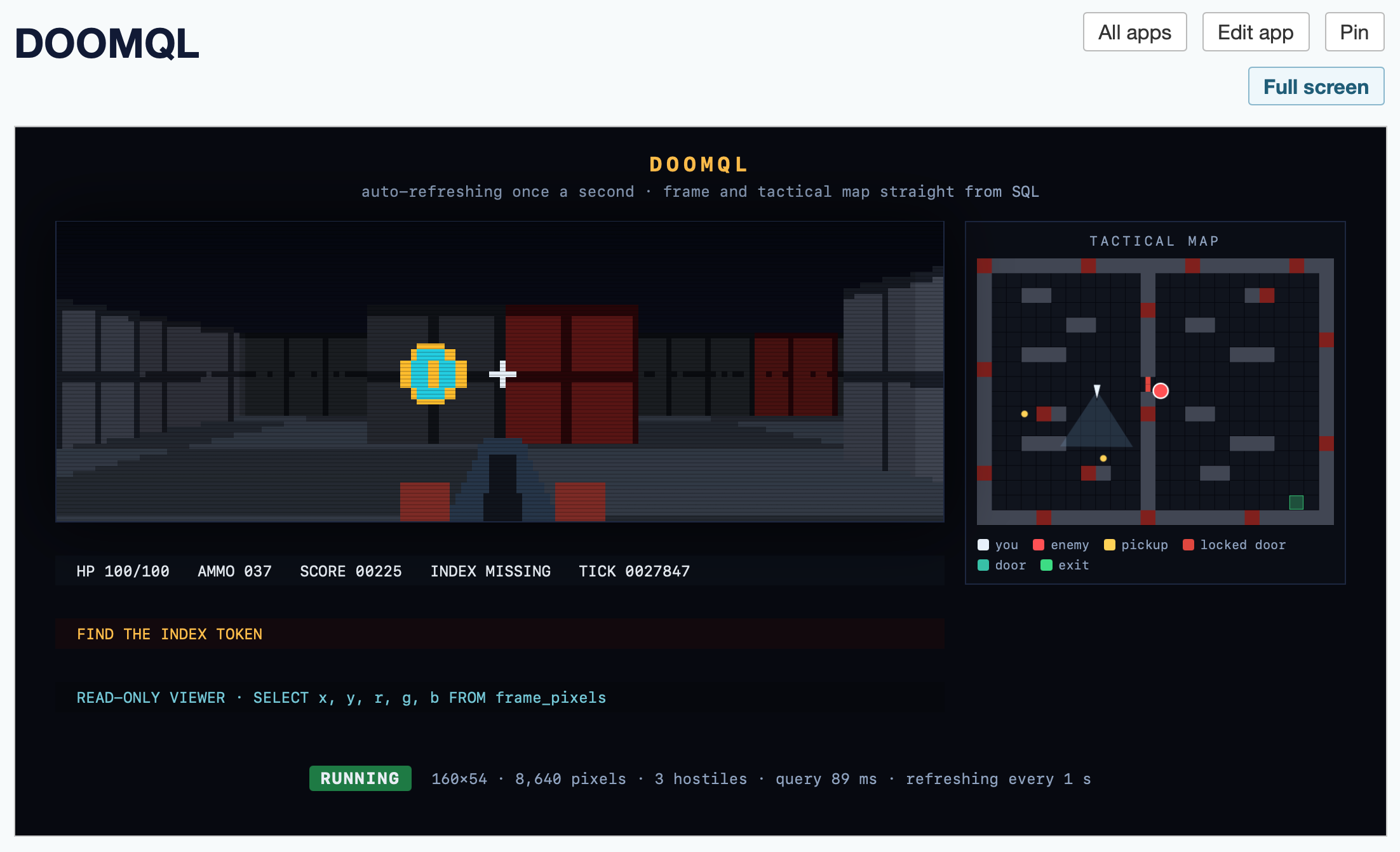
Here's the HTML app code - paste that into your own Datasette instance (using the uvx --with datasette-apps recipe from above) to try it yourself.
Datasette Apps: Host custom HTML applications inside Datasette
Today we launched a new plugin for Datasette, datasette-apps, with this launch announcement post on the Datasette project blog. That post has the what, but I’m going to expand on that a little bit here to provide the why.
[... 2,301 words]
- Fixed a bug where users without the
create-apppermission could still create apps. #27- Fixed a bug where it was impossible to grant permission to edit an app to users who were not the app's owner. The rules for edit/delete are now the same as view: if the app is private only the owner can modify it, otherwise permission is controlled by Datasette's regular permission system. #29
- Custom network/CSP origins for apps are now guarded by a new
apps-set-csppermission, with an optionalallowed_csp_originsplugin allow-list for non-privileged users. The Datasette Agent app creation tool enforces the same rules. #24- Stored query picker now supports keyboard navigation and shows the three most recent accessible stored queries when focused.
#fragmentlinks inside apps are no longer intercepted by the external-link confirmation modal. #23- Fixed link confirmation modal and logging panels in
?full=1full-screen mode. #26
- Switch to using
MessageChannel()to communicate between parent and child frames. #15- Now registers tools to Datasette Agent can create and modify apps. #16
- SQL queries and
console.log()executed by an app are now shown in a collapsible logging panel. #20- Full screen mode for apps. #21
- Performance optimizations for the create/edit pages. #22
First alpha release.
In trying to build my own version of Claude Artifacts I got curious about options for applying CSP headers to content in sandboxed iframes without using a separate domain to host the files. Turns out you can inject <meta http-equiv="Content-Security-Policy"...> tags at the top of the iframe content and they'll be obeyed even if subsequent untrusted JavaScript tries to manipulate them.